Welcome to ii
A warm welcome to TrinityBridge PwC My WealthPartner customers joining ii. We're here to make your transfer simple, with clear, guided support at every step.

Important information: As investment values can go down as well as up, you may not get back all of the money you invest. If you're unsure about investing, please speak to an authorised financial adviser.
Take advantage of our exclusive special offer
We’re pleased to offer TrinityBridge customers an exclusive opportunity to continue their financial journey with ii.
Open a new ii account, or transfer into your existing one, and receive £100 towards your trading fees plus 12 months with no account fees.
To take advantage of this offer, simply start your transfer from TrinityBridge Limited to ii by 1 May 2026. Terms apply.

Important information: It’s important to take your time before transferring your pension. Make sure to consider what the best option is for you. Don’t transfer just to qualify for the offer, and don't rush any decision to meet the offer deadline. We periodically run offers, and there will likely be other opportunities in the future.
Before transferring your pension, check if you’ll be charged any exit fees and make sure you don't lose any valuable benefits such as, guaranteed annuity rates, lower protected pension age or matching employer contributions.
Introducing interactive investor
We have been helping investors for 30 years, and we’re now the UK’s number one flat-fee investment platform, with assets under administration at £95bn and over 500,000 customers.
For a simple, flat monthly fee we provide a secure home for your pensions, ISAs and investments. We offer one of the widest ranges of investment options including shares, funds, trusts and ETFs.
We also bring you impartial, expert insights from our award-winning financial journalists, highly engaged community of investors and daily newsletters.

Whatever your financial goals, we’ve got an account for that
If eligible for the exclusive TrinityBridge offer, account fees will not be payable for your first 12 months.

Stocks & Shares ISA
Get tax-free investing all wrapped up with our award-winning ii ISA. Take care of your own investments or let us manage them for you.

Personal Pension (SIPP)
Invest in your dream retirement with our four-time Which? Recommended Personal Pension (SIPP). It’s the pension peace of mind you deserve.

Trading Account
Invest in the markets you want and access a wide range of UK, US and international shares in a flexible account. It’s safe, secure and simpler investing.

Junior ISA (JISA)
Put your child’s future on the front foot. Give their savings a JISA jump-start and invest up to £9,000 a year, with all the tax-efficient savings you’d expect from an ISA.

Joint Trading Account
Pool your resources and invest together. Make the most of your Capital Gains Tax allowances and diversify your portfolios.
Add your ii account to PwC’s automated feed
We have established a link to the PwC AIR feed, making it easy for TrinityBridge customers to transfer to ii and continue with a daily reconciliation of assets and transactions.
1. Log in to your ii account
- Log in to your ii account
- Click 'Profile' in the top-right corner
- Under 'Manage profile', choose 'Details & Preferences'.
2. Add your compliance details
- Go to 'Account information'
- Select 'Compliance details'
- In the 'Current details' box, click 'Add'.
3. Enter your PwC code
- Use the PwC Compliance Code: PWCUK
- Click 'Next', check the details, then select 'Add'.
Once added, your account will link automatically to PwC's daily feed.
Have a question about transferring to ii?
Call our award-winning UK-based support team on 0345 646 2390.
You can reach us between 7.45am-5.30pm, Monday to Friday.




How to get started

If you're new to ii, you’ll first need to open an account. Choose from our Stocks & Shares ISA, Self-Invested Personal Pension (SIPP) or Trading Account.
You can start your transfer while opening an account. Or, you can log in and transfer at any time.
If you're an existing customer with ii, login to your account to start the transfer process. To transfer in, go to 'Portfolio', click 'Transfers' and then 'Transfer in'.
For SIPP contributions, you'll need to download and complete our SIPP contribution form and return this to us. You can find instructions on how to complete this form in our FAQs.
Once you’ve got cash in your account and chosen your investments, you’re ready to invest. If you want to invest every month, remember you can do this with our free regular investing service.

Helen knows we're here when she needs us
“I wanted the confidence to know there was someone on the end of the phone. If I am struggling, I can pick up that phone and my query is dealt with straight away.”
We’re proud to help Helen become a more confident investor. Hear why she and others are joining over 500,000 investors taking greater control of their financial future with ii.
You're in safe hands
Rest assured, the security of your cash and investments is our highest priority. As an FCA-authorised and regulated platform, we have a robust range of systems and controls in place to protect your assets.
Your cash and investments are also protected up to certain limits by the Financial Services Compensation Scheme (FSCS). More details on this can be found in our security hub.
And when it comes to managing your account, our website and app use the latest technology to keep you and your money safe.

Access your investments on the go
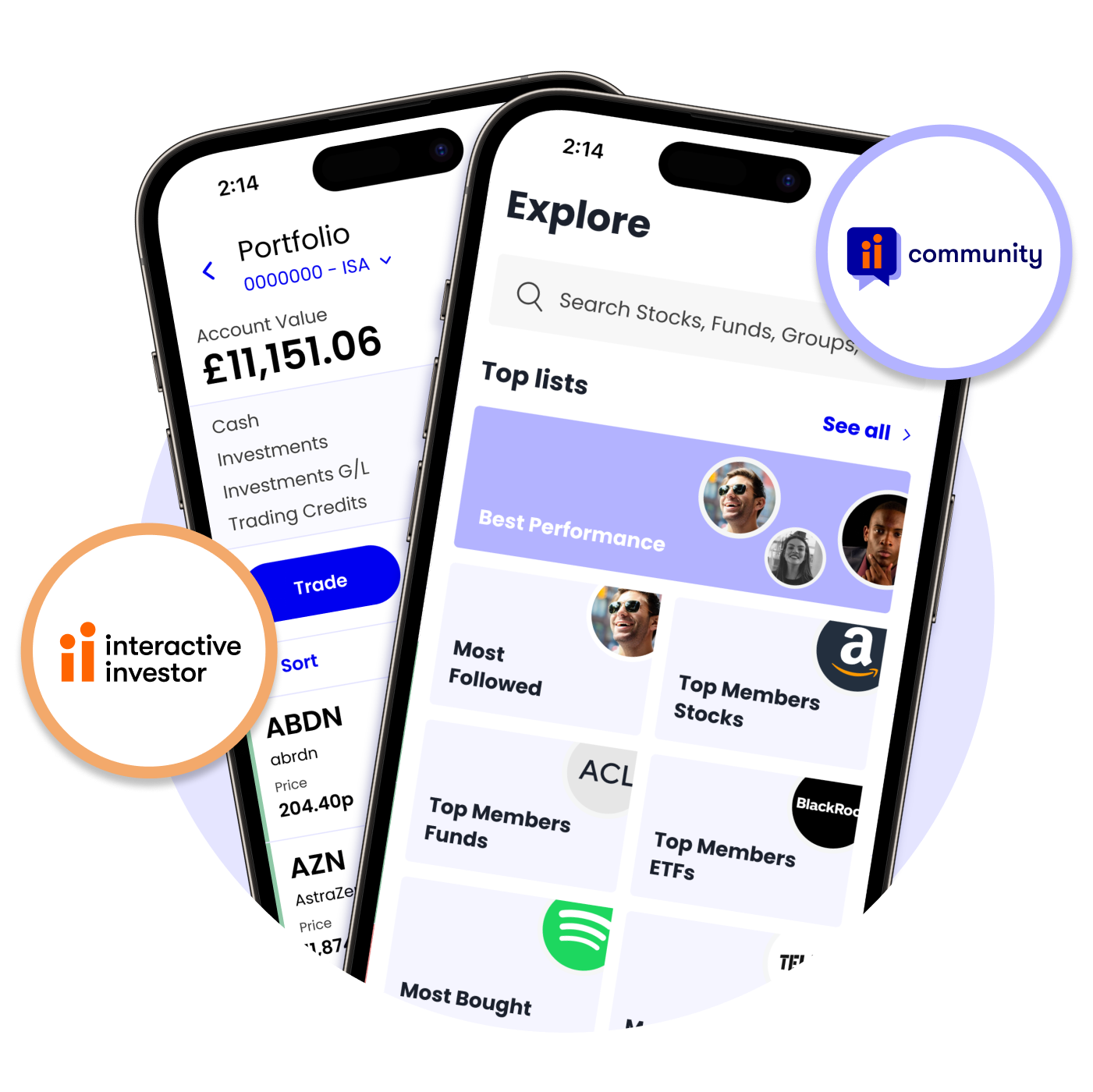
Join over 190,000 customers who already use our top-rated mobile app. View all your accounts in one convenient place that you can use wherever, whenever.
You can also join our social trading platform – ii Community – for free and connect with like-minded investors.
Transfer to ii FAQs
- Open your account, and choose from Personal Pension (SIPP), Stocks and Shares ISA, Managed ISA or Trading Account.
- Add money or transfer your investments. With your account open, you can add money to it in a way that works best for you: one-off payment, set up a Direct Debit, or transfer your investments from another provider into your new ii account.
- Start investing. Choose from our wide range of investments, including UK and international shares, funds, ETFs and bonds.
Before you start your transfer, there are a few things to think about first. We’ve made this checklist for you to make sure you’ve considered everything you need to before you switch:
- Are there any exit fees with your current provider?
- Do you have any benefits with your current provider?
- Are you happy to be out of the market while transferring?
- Will you have to sell and/or repurchase any investments?
If you want to trade while your transfer is in progress, contact your current provider to find out if they can do that for you. Don’t forget to keep both them and us updated on any changes to your investments.
If you’re ever unsure about the transfer process, we recommend seeking advice from an independent financial adviser.
If you don’t already have an account with ii, open one that suits your investing needs to start your transfer.
Opening an account should only take 10 minutes. You can start your transfer while opening an account. Or, you can log in and transfer at any time. You can complete the transfer process below easily online.
If you're an existing ii customer, go to 'Portfolio' > 'Transfers' > 'Transfer in'.
Rest easy while we work with your current provider to complete your transfer. Your dedicated ii case handler will keep you updated along the way.
ISA transfers typically take up to 4 weeks for cash transfers, and up to 6 weeks when moving across investments.
Transferring your pension as a cash payment to the ii SIPP usually takes 2 to 6 weeks to complete. Transferring in existing investments can take longer - typically 8 to 12 weeks.
Please note these timescales are a guide. Your transfer time can depend on your portfolio and how quickly your current provider works with us. During busier periods, your transfer may take longer.
If you’re transferring a defined benefit pension, a Small Self-Administered Scheme (SSAS) pension or an overseas pension scheme, the process can take even longer.
Regardless of what you transfer to ii, you’ll always have a case handler to keep you up to date with any progress.
- Log into your ii account and click the 'Profile' in the top right corner.
- Select the 'Details & preferences' option from the Managed profile section.
- Choose 'Compliance details' from the account information section
- In the current details box, click 'add' and enter your 5-character Compliance Code 'PWCUK'.
- After clicking 'Next' ensure the details you've added are correct, and confirm by clicking 'add'.
To claim as a new ii customer, open an ii SIPP, ii Stocks and Shares ISA or an ii Individual Trading Account and initiate a transfer of your assets from TrinityBridge Limited on or before 1st May 2026.
To claim as an existing ii customer, initiate a transfer of your assets from TrinityBridge Limited to your existing ii SIPP, ii Stocks and Shares ISA or an ii Individual Trading Account on or before 1st May 2026.
Provided you meet the eligibility criteria set out in these terms and conditions, £100 of Trading Credits will be applied to your ii account within ten (10) working days of the transfer being initiated. The Fee Free Period will only apply to customers on our Core or Plus price plans. If a customer upgrades to our Premium price plan they will no longer be eligible for the Fee Free Period and will be charged as per our Rates and Charges set out on our website.
There is no minimum transfer value to qualify for this offer. Please read the full terms for this exclusive transfer offer.
Each day, we send PwC four secure reports:
- The ii accounts you hold
- Your daily trades and contract details
- Information about the investments you're trading
Once your details have been added to your ii account, updates will happen automatically: including any new accounts or changes you make.
If you're eligible for the exclusive TrinityBridge offer, you won't pay an account fee for 12 months.
After 12 months, your monthly fee covers your access to the ii investment platform and services. The price plans available to you depend on:
- the account(s) you open
- the total value you hold
Download our full list of charges
When you buy or sell an investment, you’ll pay a one-off trading fee. This cost is separate to your monthly fee.
You’ll be able to minimise your trading fees with our free regular investing service.
Other charges, including foreign exchange (FX) fees, may apply. For UK and US trades over £100,000, and other international share trades over £25,000, please see our other trading fees.
ii offers one of the widest choices of international investments on the market, with access to 17 global exchanges:
- North America: United States, Canada
- Europe: Ireland, Germany, France, Spain, Belgium, Italy, The Netherlands, Sweden*, Switzerland*
- Asia Pacific: Australia, Hong Kong, Singapore
* phone orders only
As well as direct access to the above exchanges, we also offer Japanese, Indian and Chinese shares in the form of American Depositary Receipts (ADRs). This means those international shares are available via US stock exchanges.
Protecting your account is something we take very seriously. Data is encrypted to the same level as our online service, so you can be confident your personal information is safe. Our face recognition or fingerprint login add an extra layer of security when using the app.
View our Useful Forms.